Diagrams that stay on your Mac.
Flowcharts, mind maps, sequence diagrams and freehand drawing on one infinite canvas. Slate works offline, keeps its hands on the keyboard, and saves every board as an SVG file you own.
Free during the beta. For Apple silicon and Intel Macs.
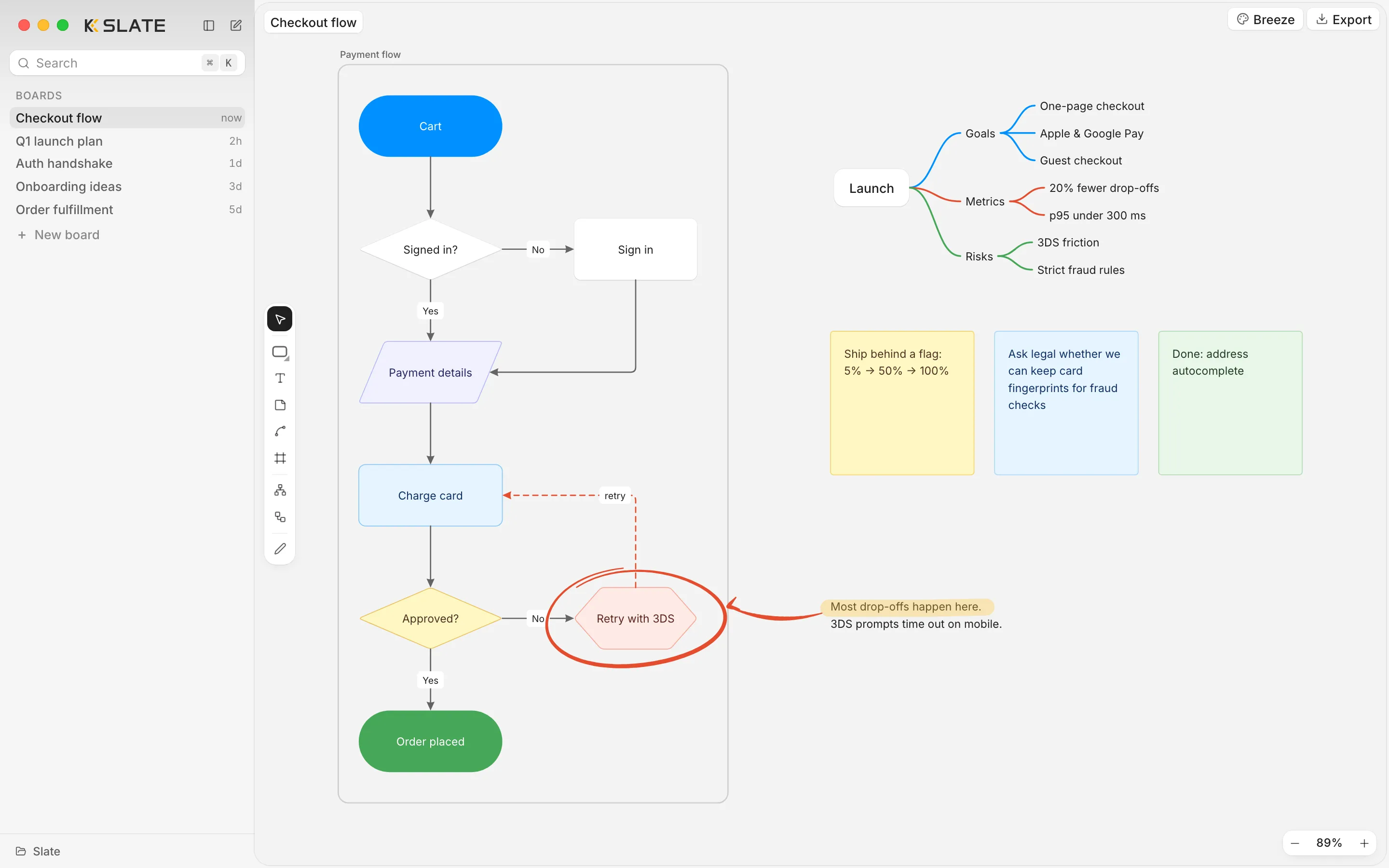
What's in it
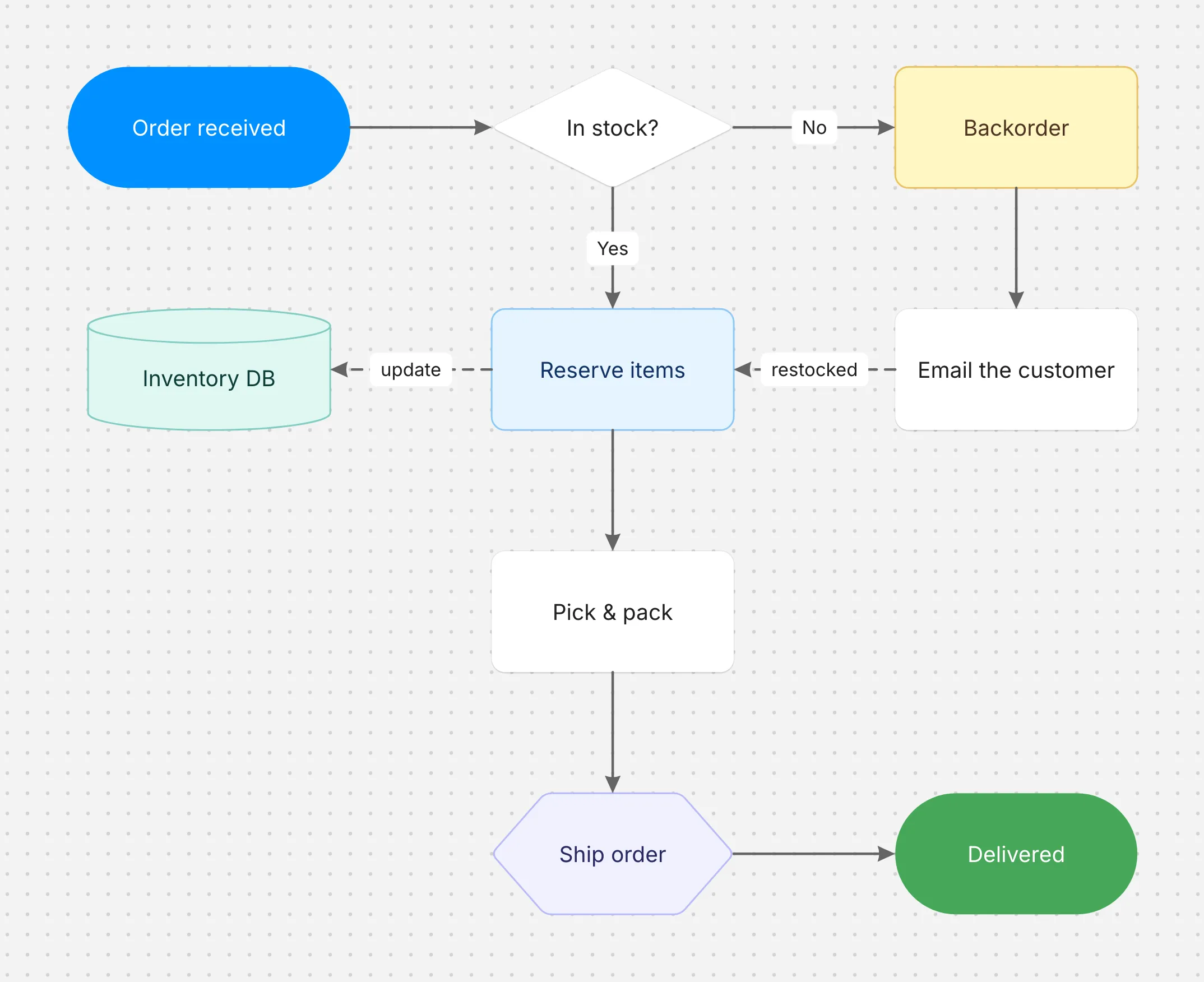
Flowcharts at the speed of keys.
Every shape is one key: R rectangle, D diamond, O oval, Y cylinder. Connectors attach anywhere on a shape, follow the grid around corners and carry labels you can drag. Change a shape's type without losing its style.
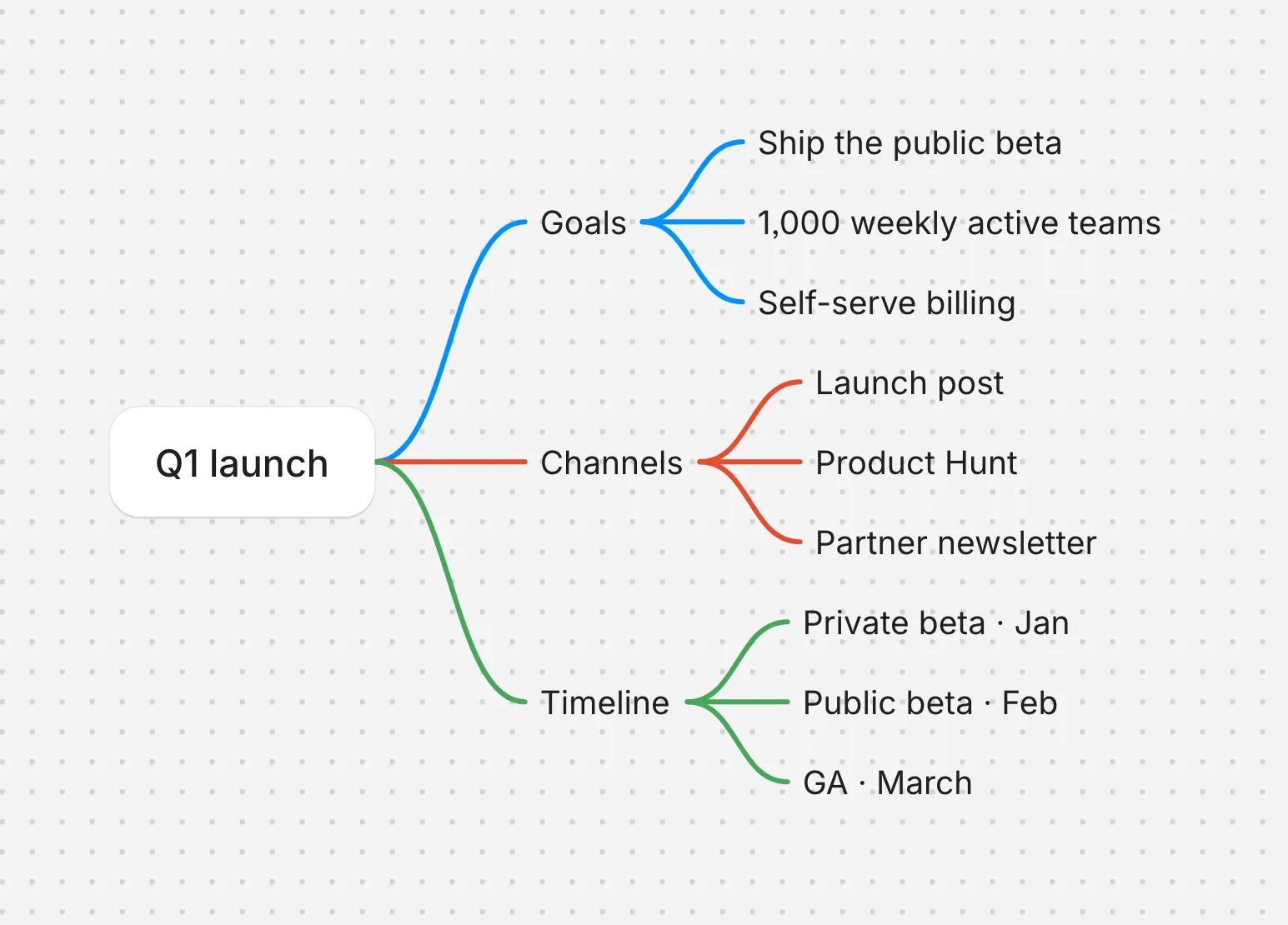
Mind maps that lay themselves out.
Tab adds a child, Enter a sibling, and the map rebalances as you type. Each branch keeps its own color. Drag a node to re-parent it, collapse a branch with ⌘/, or paste a bulleted list to grow a whole map at once.
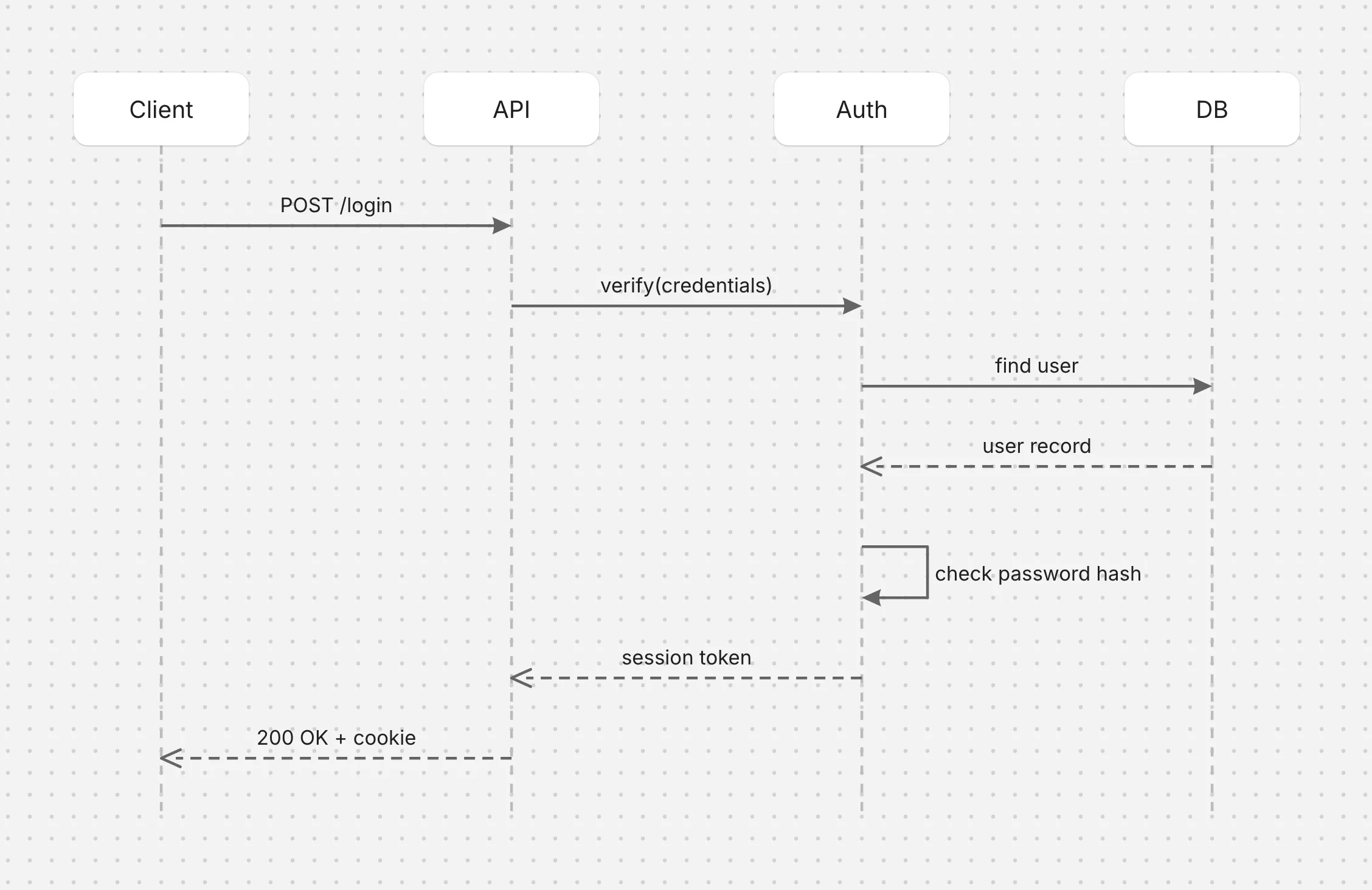
Sequence diagrams, no syntax.
Add participants and draw messages between their lifelines: solid for calls, dashed for replies. Lifelines grow as you go, messages stay attached, and dragging one up or down reorders it.
Draw with a pen.
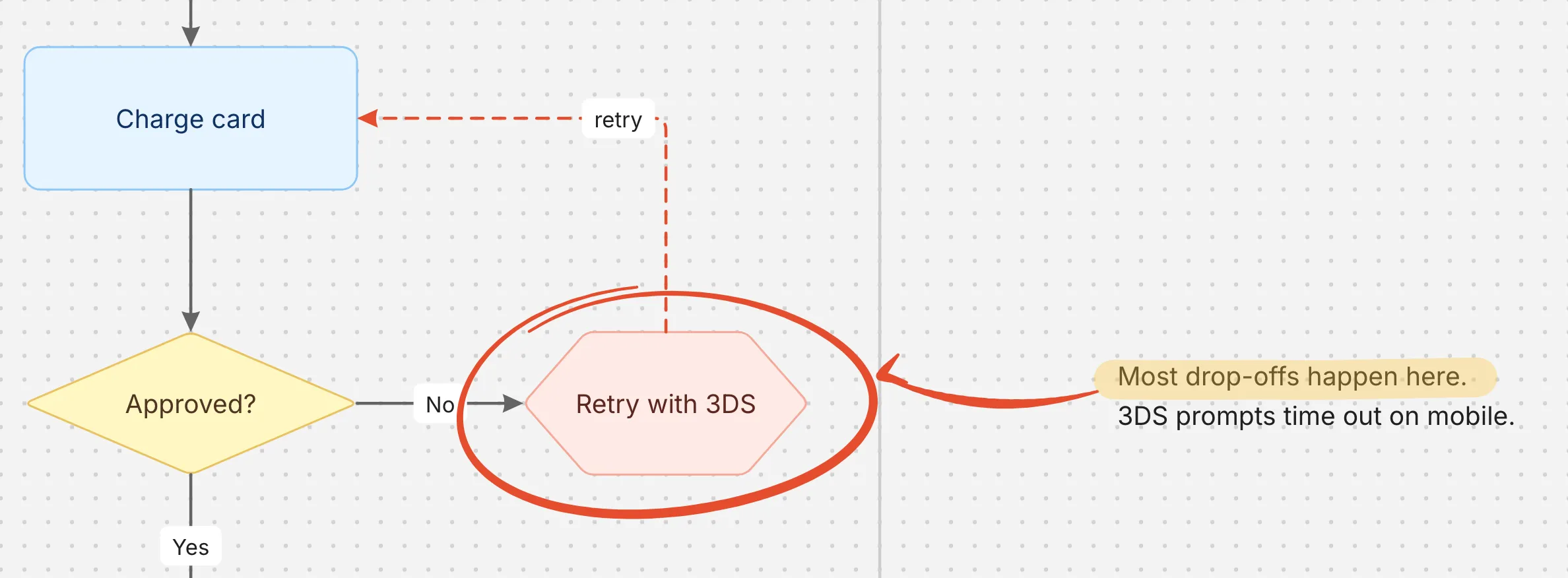
Circle the problem, point at it, highlight the note. P draws ink whose width follows Wacom pen pressure, ⇧P is a highlighter, and the pen's other end erases. Strokes become ordinary objects you can move, resize and recolor.
Nothing is lost.
Slate quietly keeps earlier versions of every board as you work, so whatever you or an agent deleted by mistake can come back. Restore one in a click.
Every board is an SVG.
Boards save to a folder you choose, as SVG files with the editable data inside. They preview in Finder, render in a README, and reopen in Slate untouched.
Claude can draw too.
Slate sets itself up as an MCP server for Claude, Codex and Cursor. Ask for a flowchart, a mind map or a sequence diagram, and it appears on your board, fully editable.
One style, the whole board.
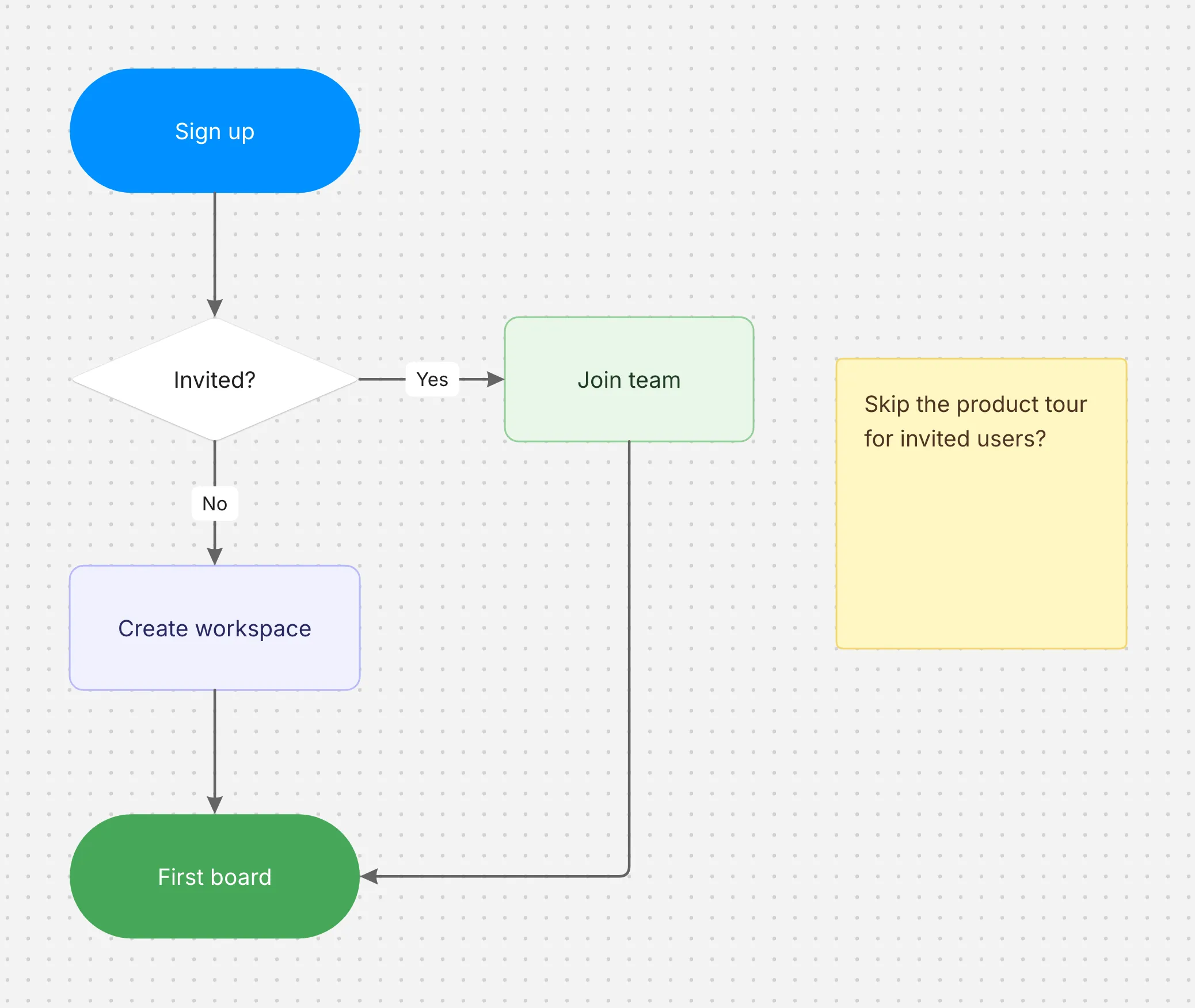
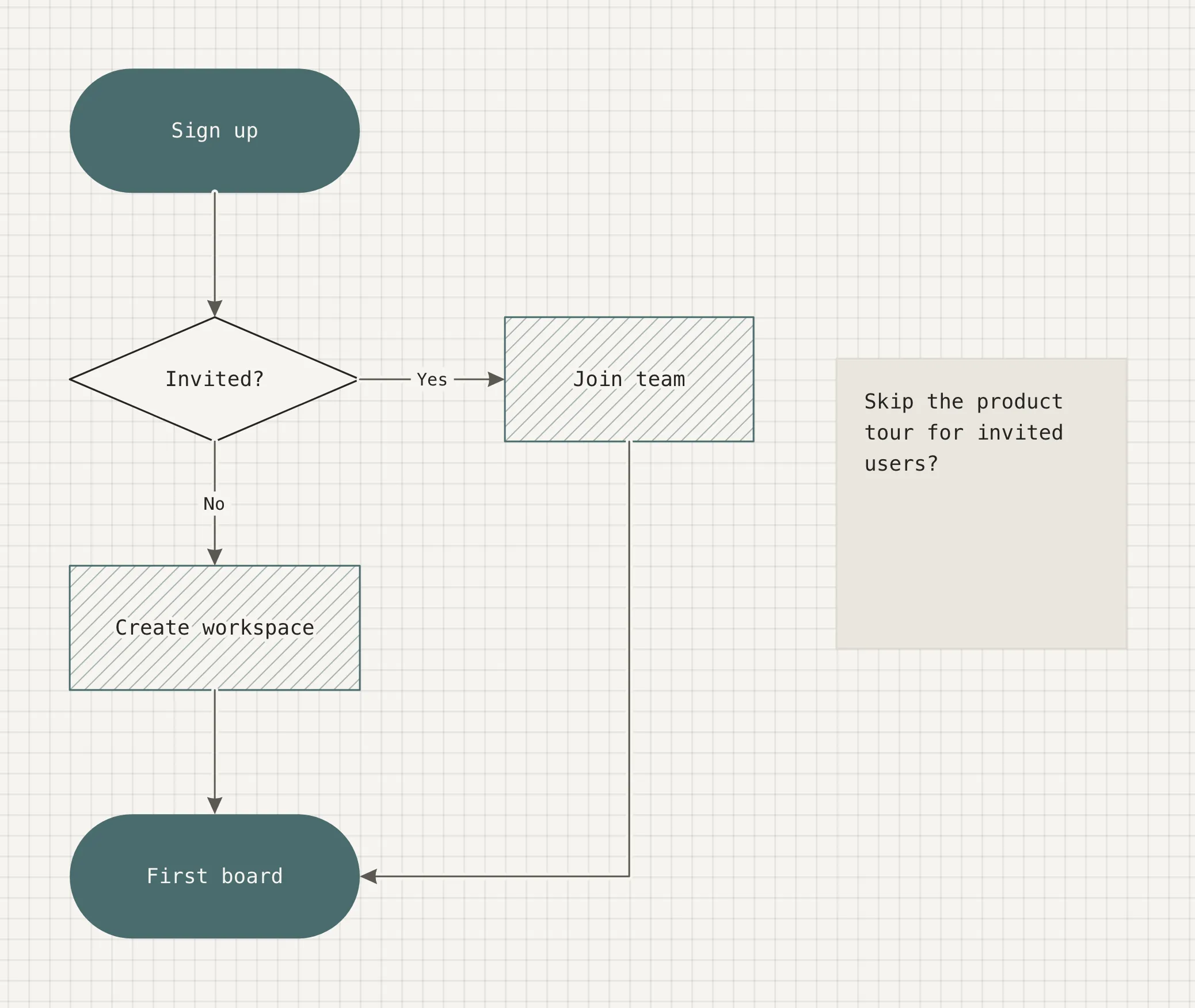
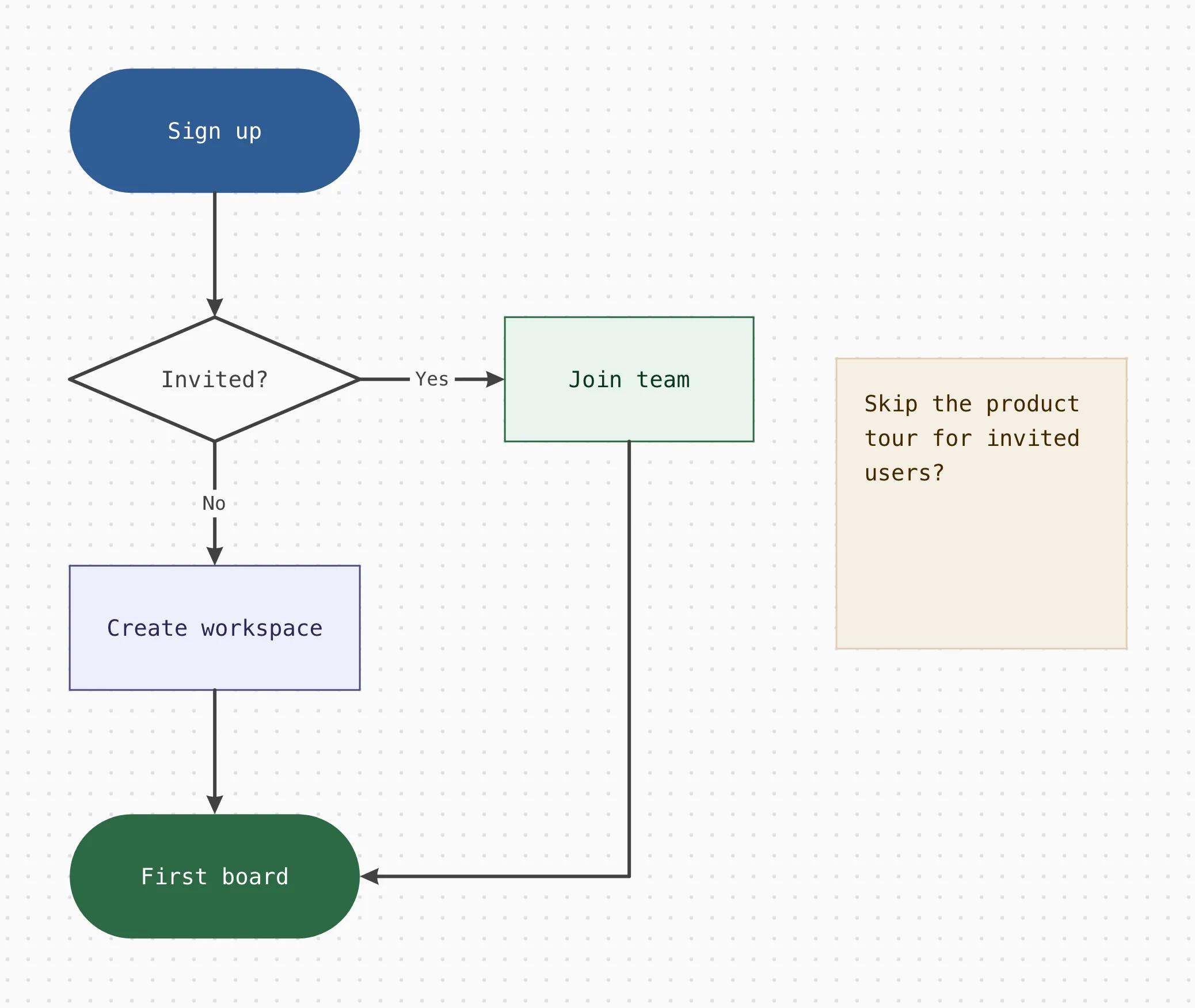
A board style sets the palette, fonts, corners, connectors and sticky notes in one go. Objects remember roles like “blue, tinted”, not raw colors, so switching styles restyles everything at once. Slate comes with Breeze, Vellum, Simple and 8-bit.
The rest of it.
⌘K for everything
Every action and its shortcut, one search away.
Frames
Named areas in 16:9, 4:3, square or A4 that export as their own files.
PNG and SVG export
The board, the selection, one frame or every frame, at 1x or 2x.
Copy as image
⌘⇧C puts the selection on the clipboard as a PNG, ready for Slack or a doc.
Paste across boards
Copy from one board, paste into another, and it takes on that board's style.
Alignment guides
Snap to a 12px grid and to the edges and centers of nearby objects.
Groups and locks
⌘G to group, ⌘⇧L to lock a background in place.
Mind maps to Markdown
Copy a map as a bulleted list. Paste a list onto a node to grow branches.
Pricing
Pay once. Keep it.
No subscription. A license covers every release of its major version, forever: buy Slate 1 and every 1.x update is yours. Slate 2 will be a new purchase, and only if you want it.
Beta
Free
- Every 0.x beta release
- Updates itself from the beta channel
- A free key by email, managed like any purchase
Slate 1.0
Coming
- One-time purchase, no subscription
- Every 1.x release included
- Activate on your Macs, and move it whenever you like
Price announced with 1.0.
Payments by Polar, our merchant of record, which handles sales tax and VAT. Your key arrives by email.14-day refunds, no questions asked. Questions? support@kazbit.com.
Before you ask.
Does Slate need an account or the internet?
No account. Slate works fully offline. It goes online only to activate your license once per Mac, re-check it now and then, and check for updates. The privacy policy lists exactly what each one sends.
Where are my boards?
In a folder you choose, as ordinary SVG files. Finder previews them, browsers show them, and a GitHub README renders them. Slate reopens them fully editable. Back them up however you back up everything else.
What happens to my boards if my license ends?
They're still yours, and they still open. Without a license, Slate opens, copies and exports boards but doesn't edit them. Nothing ever blocks you from your files.
Which Macs does it run on?
Apple silicon and Intel Macs, in one download. A Wacom pen is optional, but the ink is built for one.
How do I move Slate to a new Mac?
Remove the old Mac in your account, then enter your key on the new one. Your boards are files, so copy the folder across too.
Does Claude see my boards?
Only when you ask it to. Slate's MCP server runs on your Mac and answers only the AI apps you connect. Slate itself sends your boards nowhere.
What if Slate isn't for me?
Email us within 14 days of buying for a full refund, no questions asked.
Your next diagram is one keystroke away.
By downloading, you agree to the beta terms and the license agreement.